
Support Centre · Guided tour · Step 3 of 14
3. Your dashboard
3 min
By the end of this step
You can read the dashboard in thirty seconds and know which client to call.
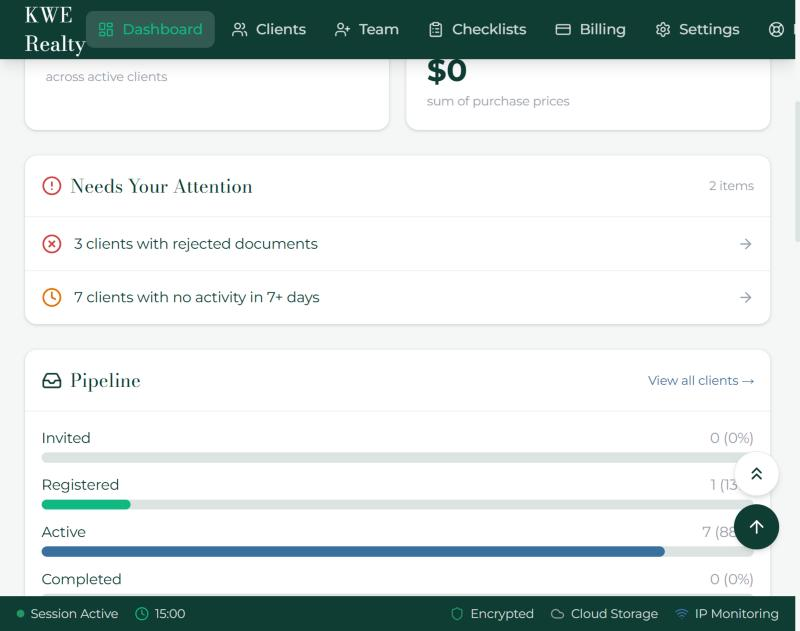
The Dashboard is the first page after sign in. Everything on it comes from your clients’ files; nothing has to be entered here.
- Needs Your Attention lists what is waiting on you: documents to review, renewals to action, and clients whose file has gone quiet. When there is nothing, it says so.
- Pipeline counts your active clients, those new this month, co-applicants, and the completion ratio of documents requested against documents in.
- Stalest Clients shows the longest gap since a client’s last upload. A nudge from the Messages tab usually gets things moving again.
- Most Missing Documents shows which items are pending across the most clients. Chase those first.
- Plan Usage shows clients, team members and storage against your plan. Billing is one click away.
Still stuck? Write to support@getfoyernow.com